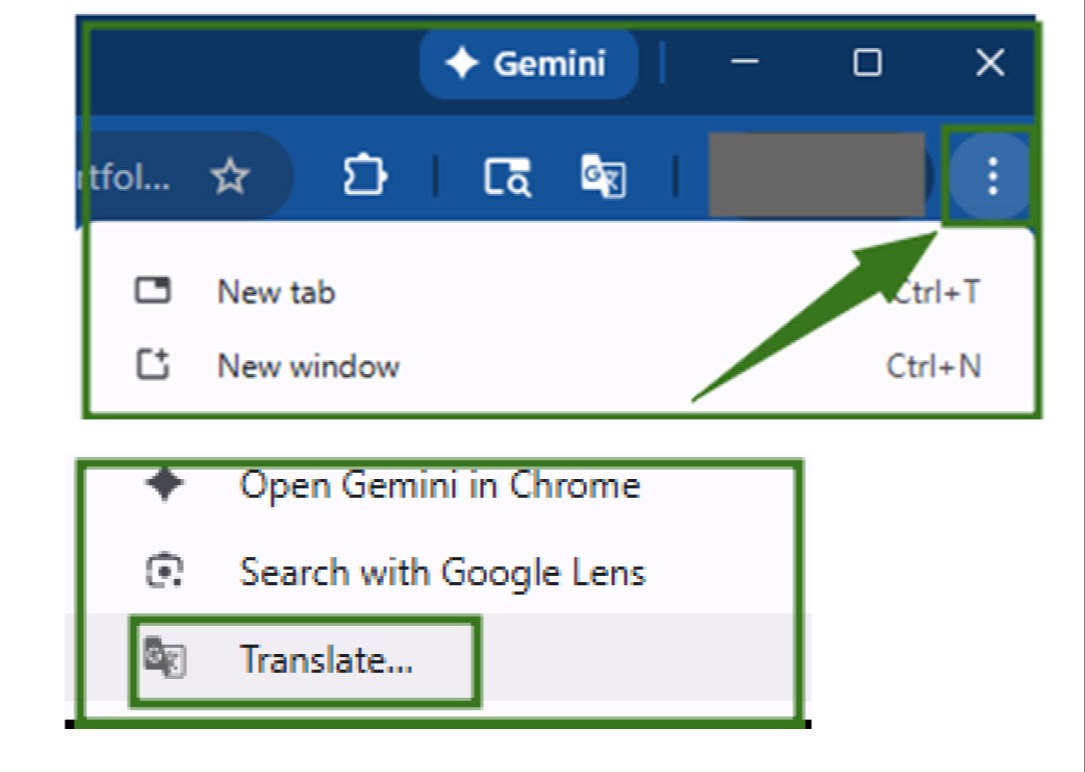
How to view student grades in Family/Student Access in Skyward
Login to Skyward from battlegroundps.org in the upper right corner.
Note: Skyward access will not be available July 7-11.
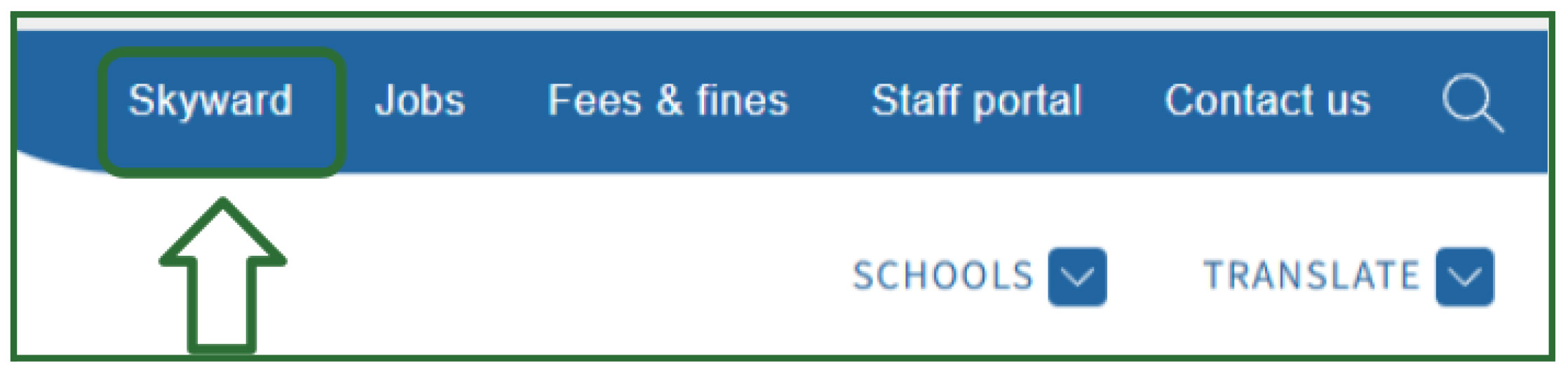
Login with your username and password.
Use the “Forgot your Username or Password?” button and follow the steps if you don’t know your login information.
Once logged in, you will see a series of tiles with options to access and
interact with information.
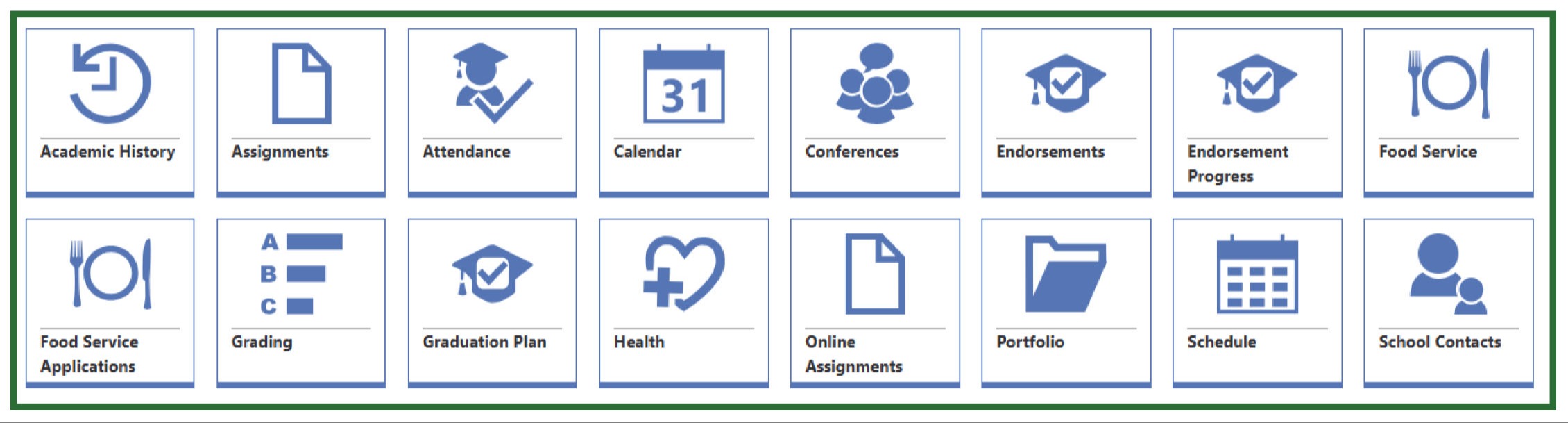
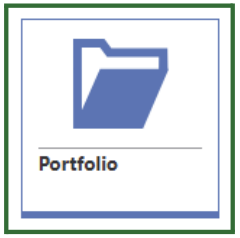
Click on “Portfolio” to view your student’s report card
Translate document: only if you choose the eyeball, then translate the document into any language needed through Chrome’s browser.